
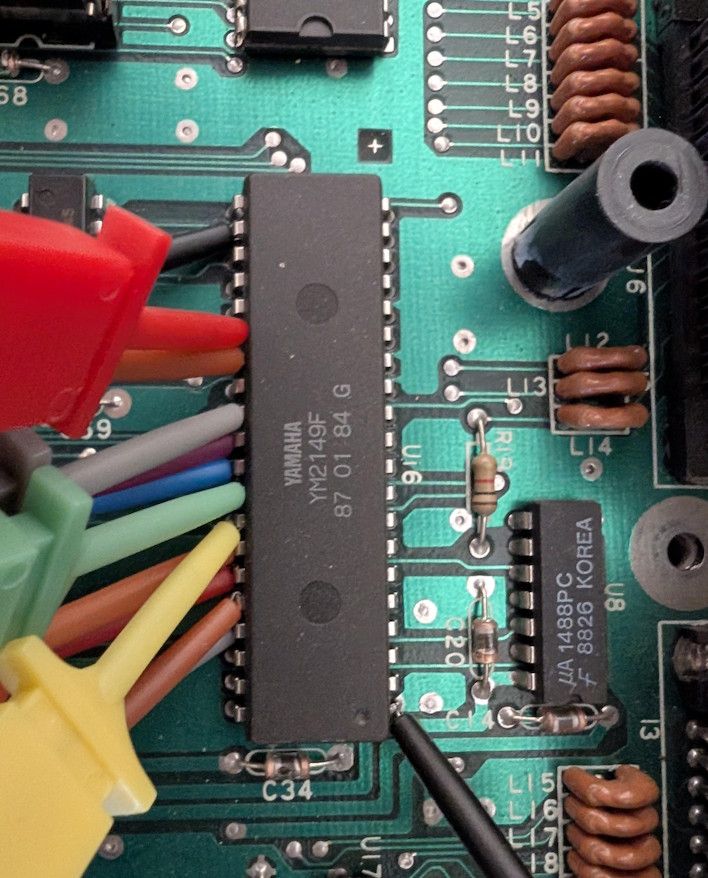
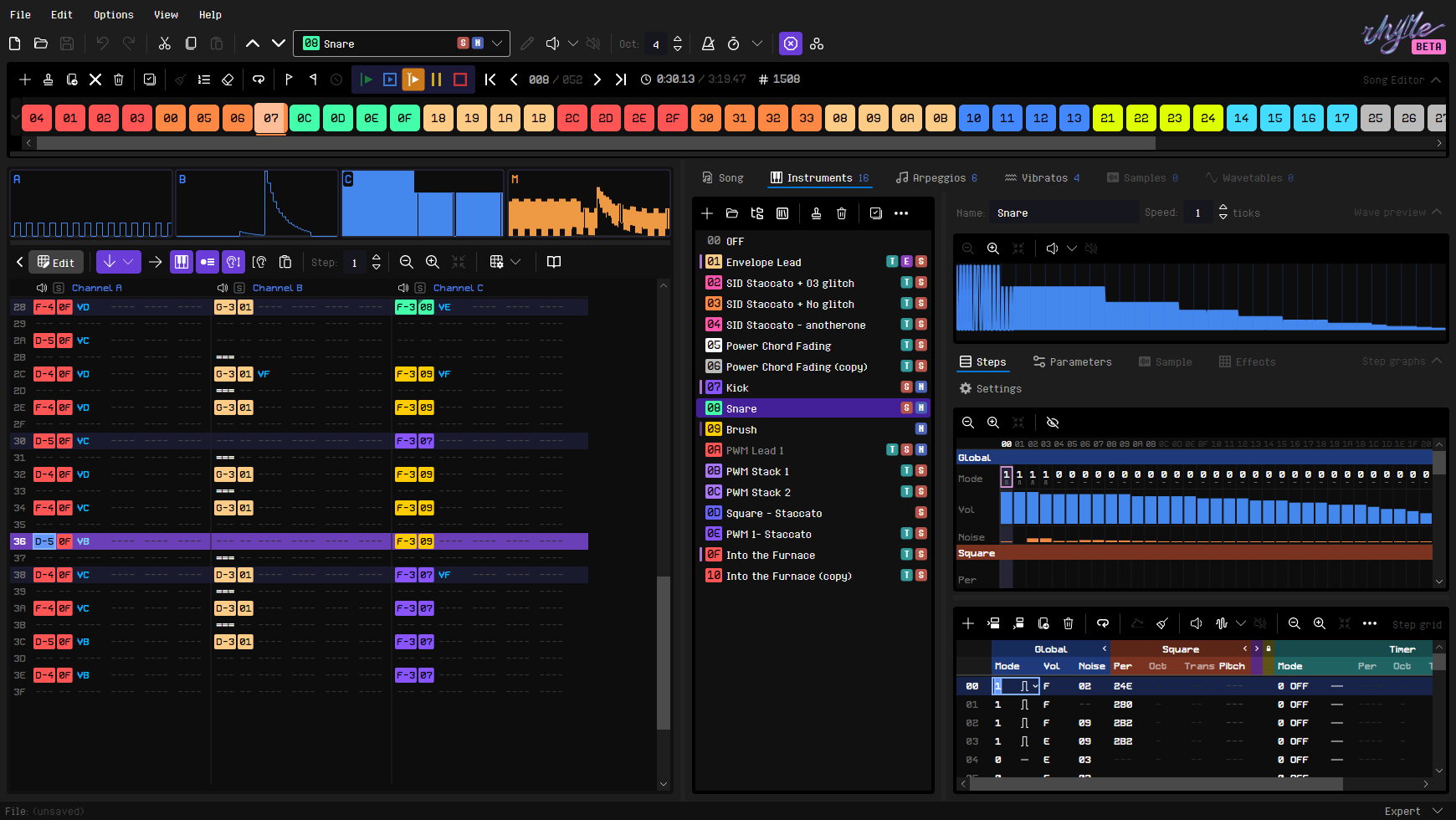
RhYMe is a fresh take on the classic chiptune tracker concept that stays true to what makes trackers work: you are in direct control of the sound hardware. Focusing on the Atari ST keeps its design relatively simple and lets it be tuned closely to the hardware. And because it runs on a modern desktop, it can offer a modern user experience: high performance, lots of screen real estate, undos and clipboard features.
RhYMe is currently in BETA and will always be free to use.
Try it in your browser
Read the manuals
The browser version runs in a recent Chrome, Edge, Firefox or Safari on a desktop or laptop.
Native desktop downloads are available for Windows, macOS and Linux.
Why a new tracker?
Design philosophy
Simple, not simplified
Just patterns, instruments and effects, no things like virtual channels or reusable tracks.
True to the tracker
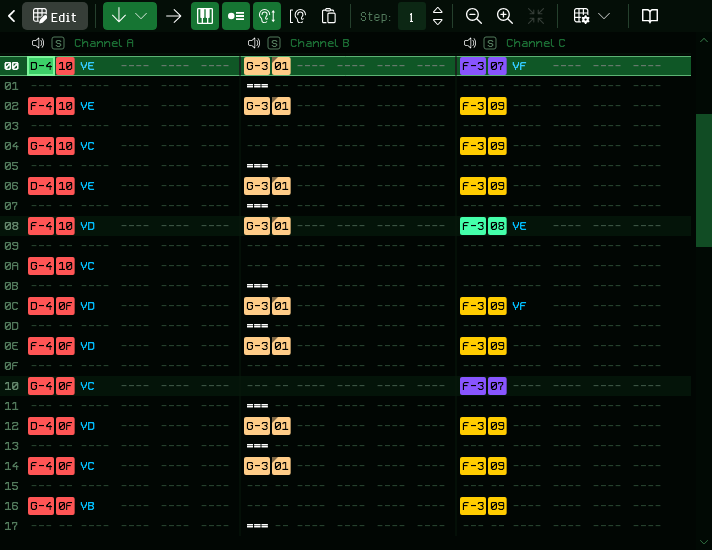
Notes, instruments and effects go into pattern grids, and numbers are written in hexadecimal, the way trackers have always worked. If you have used one before, you will feel at home.
Close to the hardware
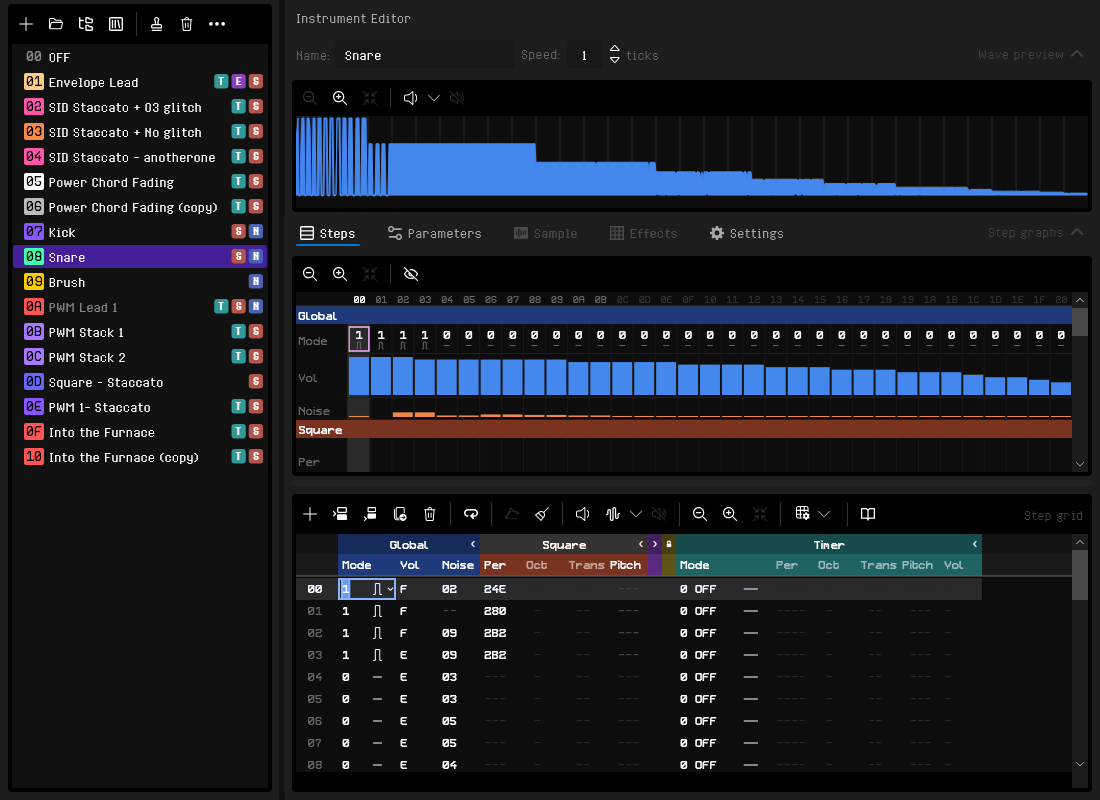
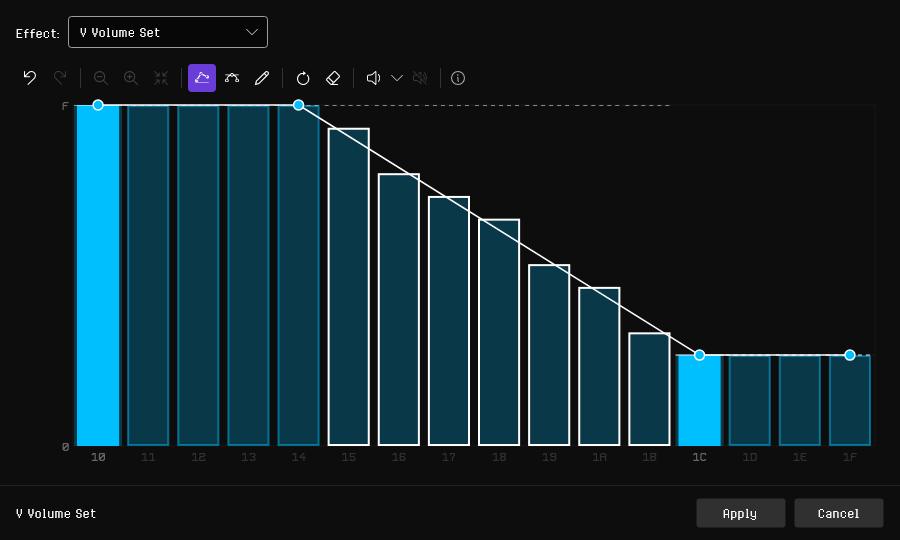
The instrument step grid determines how the YM2149's registers are driven. While you edit, the emulator matches the ST's output as closely as possible.
Fast at the keyboard, easy with the mouse
Shortcuts and a smart clipboard make editing quick, and most actions and their shortcuts can be discovered easily in the menus and toolbars.
Streamed, not computed on the ST
Exports stream precomputed register writes, so the ST's CPU never limits how complex an instrument or song can be. RhYMe builds on the YMXR format.
Hear what RhYMe and the YM2149 can do
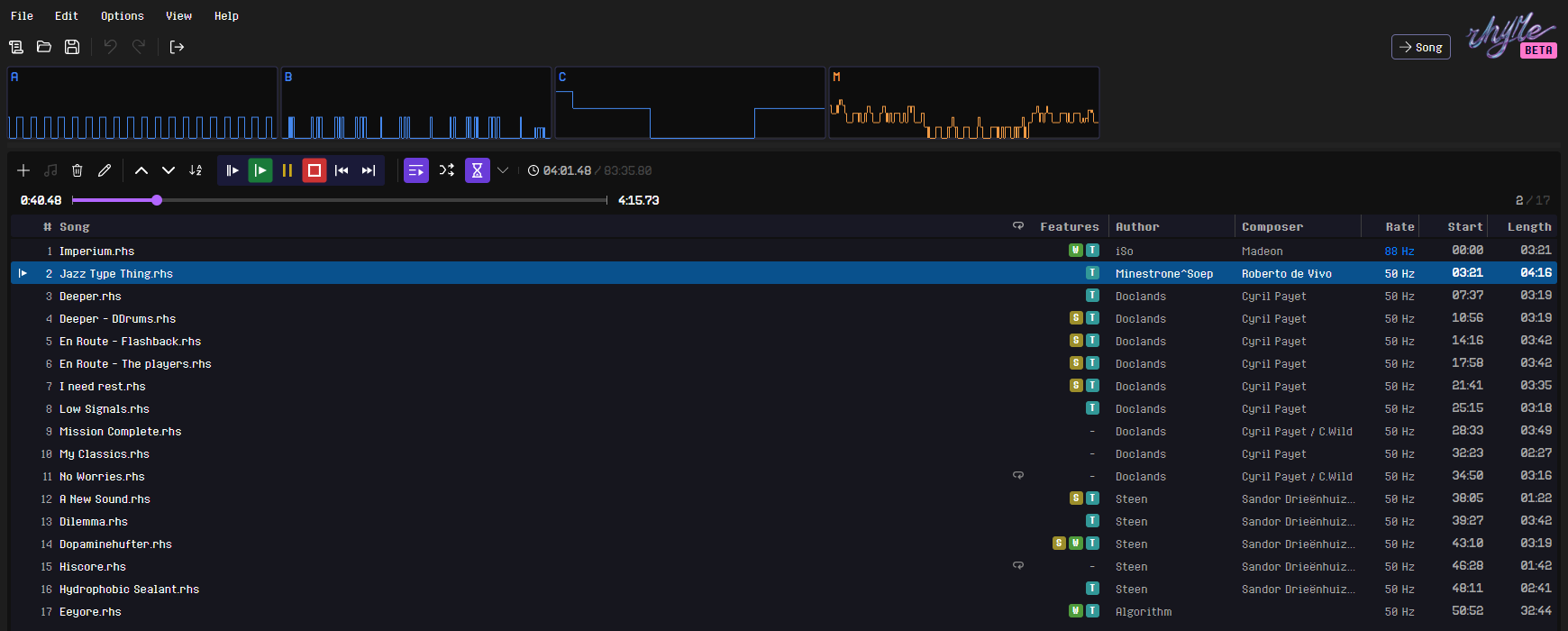
The demo songs that come with RhYMe.
0:00 / 0:00
You can open a demo song in the editor from File > Open Demo Song, or play them all from File > Open Demo Playlist.
Push the YM2149 further, with less effort
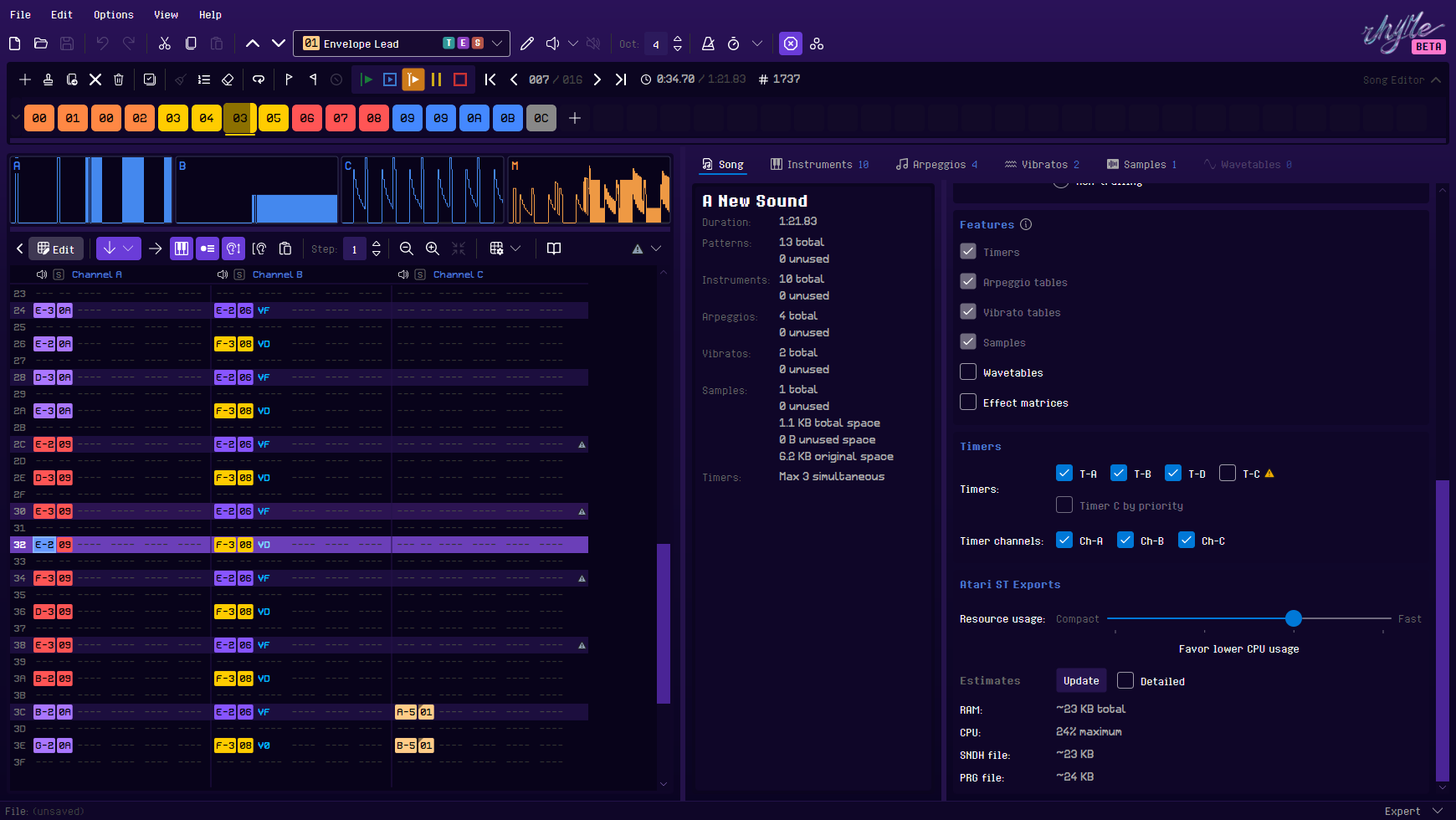
Besides the chip's square wave and noise generators, RhYMe uses the ST's hardware timers for pulse-width modulation and envelope effects, and plays 4-bit samples through the volume register.
ACompose
Pattern sequencer
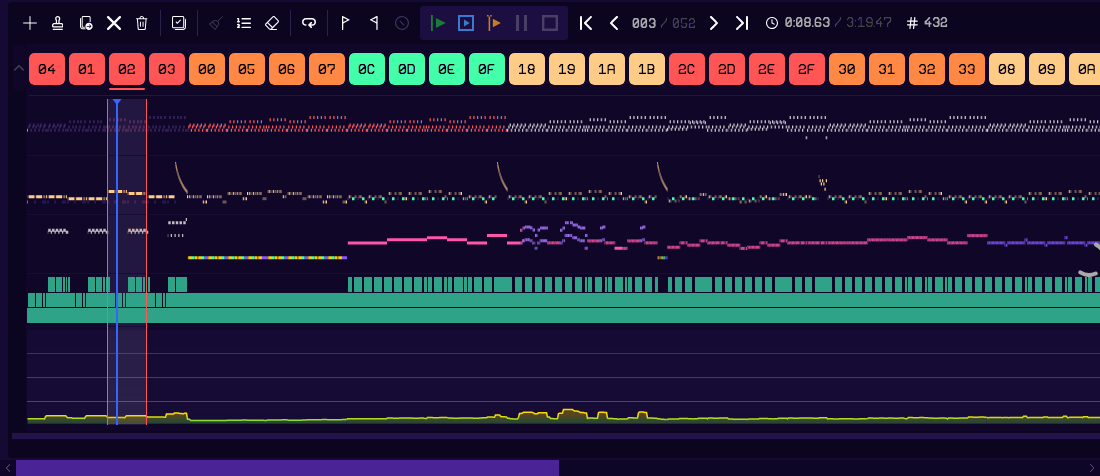
Three channels with notes and up to five effects per row, in 256 patterns of up to 128 rows.
40 effects
Arpeggios, slides, portamento, vibrato, fades, detune, note retrigger and delay, and more.
Context-accurate playback
Start playback from any row, while ensuring that it sounds correct as if the song had been played from the beginning.
Keyboard-driven, with MIDI input
Shortcuts for nearly everything, shown in tooltips. Record from a MIDI keyboard, step by step or live.
BSound
Hardware timer modes
Pulse-width modulation (PWM), envelope synchronization (ESY), envelope volume modulation (EVM) and wavetable (WVT), driven by the MFP timers.
Sample playback (Digisound)
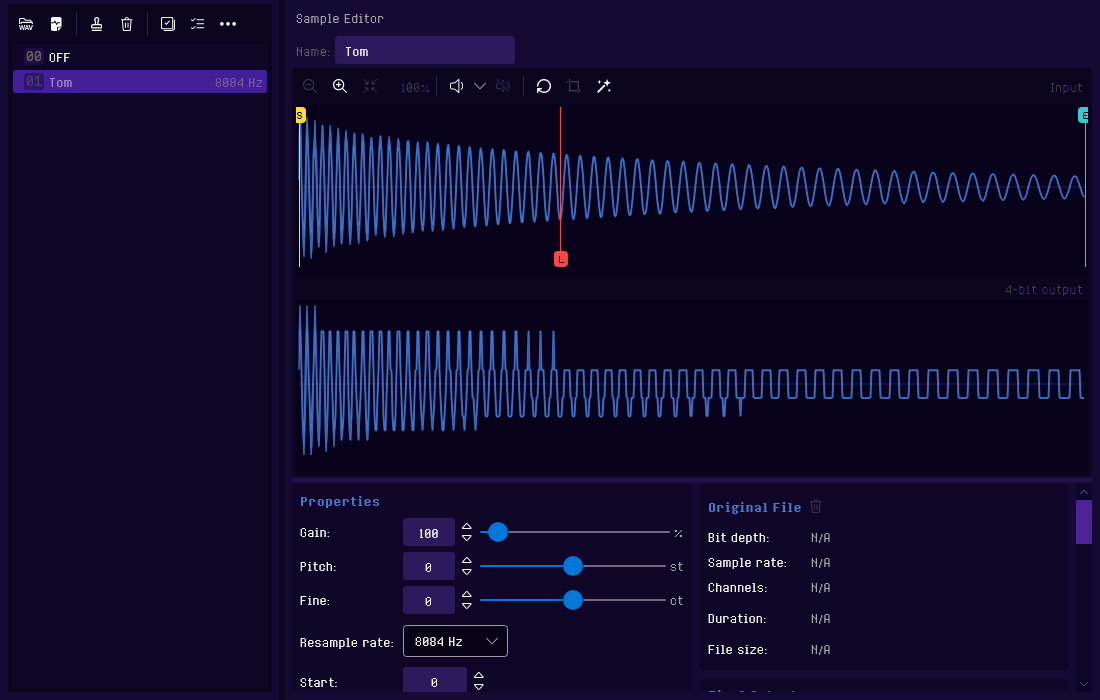
Up to 127 4-bit samples per song, imported from WAV, played as digidrums or by an instrument.
Wavetables
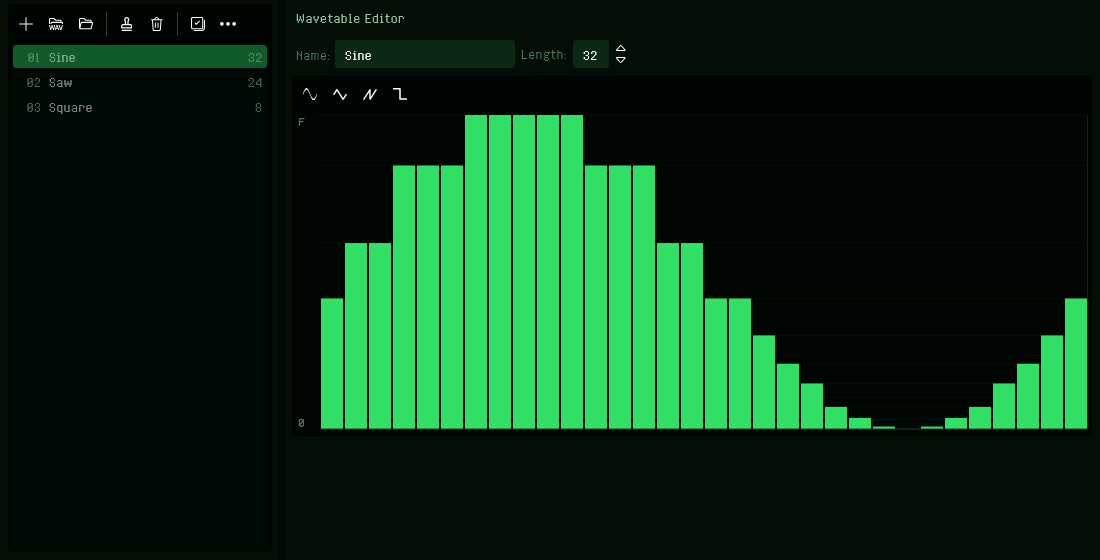
Draw single-cycle waves of 2 to 64 levels, played at the note's pitch.
Sound quality
A YM2149 emulator tuned to the Atari ST, including its hardware mixing and filtering.
CInstruments
Per-step sequencer
Each step sets volume, tone and noise mixing, envelope shape, timer mode and pitch offsets.
Instrument browser
Preview and import instruments in the Standard Library and in other songs on the file system.
Arpeggio and vibrato tables
Reusable sequences with a speed and looping support.
Instrument files
Save an instrument with its sample and wavetables, and load it into another song or share it with a friend.
.rhpPlaylists
Bundle songs together
Put up to 99 songs in order, such as a game's soundtrack or a music disk.
Export as a bundle
Export the set as a single SNDH file with each song as a subtune, or as a self-playing Atari ST program.
Import and export
AExport
.sndhThe song with its replay routine, ready to play from your own demo, game or music disk..prgA self-playing Atari ST program for the song..ymYM6 register dumps, with samples, for YM players. Cannot represent all RhYMe features..ymxsThe raw YM register data, for building files yourself with the YMXR tools..wav .mp3The song as an audio file, as it would sound on the ST..midThe notes as a Standard MIDI File, one track per channel. Cannot represent all RhYMe features..rhpPlaylists that combine several songs into one SNDH file or Atari ST program.BImport
.aksArkos Tracker 3 songs, with their samples and drums. Where Arkos Tracker treats an effect differently, RhYMe adds effects so the song still sounds the same..wavSamples in any bit depth, mono or stereo, converted to 4-bit waves. The original file is kept, so you can export it again..rhsMerge another RhYMe song into yours.Playback on a real Atari ST
Register streamingThe player streams precomputed register data to the hardware, so most of the work is done up front. This means that the CPU load on the Atari ST is mostly decoupled from the complexity of the song.SNDH containerA single file contains the player and the song. Your program only calls Init, then Play once per frame, then Exit.TimersYou choose which MFP timers and channels a song may use, and keep the rest free for raster effects or sound effects.Replay clockPlay from Timer C or the vertical blank. Playing from a timer keeps the right speed on PAL, NTSC and monochrome displays.File packingPack the SNDH file with ICE, which your program unpacks before playing it, or the Atari ST program with UPX, which unpacks itself. Either makes the file much smaller.EstimatesThe Song tab estimates the memory, processor time and file sizes an export will need, and a Resource usage slider trades a smaller file against less processor time.Multi-tuneA playlist can be exported as a single SNDH file with every song in it.music_on:
moveq #1,d0 ; song 1
bsr tune ; Init
move.l $70.w,old_vbl
move.l #vbl,$70.w
rts
vbl: movem.l d0-a6,-(sp)
bsr tune+8 ; Play
movem.l (sp)+,d0-a6
move.l old_vbl(pc),-(sp)
rts
music_off:
move.l old_vbl,$70.w
bsr tune+4 ; Exit
rts
tune: incbin "SONG.SND"Read the Replay Guide for the full example, a GFA BASIC version and how to play packed files.
Manuals and guides
Windows & LinuxmacOS
Replay Guide Playing an exported song from your own Atari ST program.
Read
Desktop and browser
Both versions have the same editor and sound engine.
DesktopBrowser
System requirements
System
Windows 10 (1809) or later,
macOS 12 Monterey or later,
Ubuntu 22.04 or a comparable Linux distribution A recent version of Chrome, Edge, Firefox or Safari
macOS 12 Monterey or later,
Ubuntu 22.04 or a comparable Linux distribution A recent version of Chrome, Edge, Firefox or Safari
Computer
---
A desktop or laptop
Processor
64-bit with two cores,
Intel or Apple silicon on a Mac 64-bit with two cores
Intel or Apple silicon on a Mac 64-bit with two cores
Memory
4 GB
4 GB
Display
1920 × 1080
1920 × 1080
Disk space
500 MB free
---
Connection
None needed
Only needed to open the editor
Editing and playback
Instrument browser
✓
One song at a time, from a local file
MIDI input
✓
Chrome, Edge and Firefox
Audio output device
Choose any, including ASIO on Windows
The browser's output
Files
Save to a location you choose
✓
Chrome and Edge; other browsers download the file
Drop files onto the window
✓
---
Open Recent and Open Last Song
✓
Chrome and Edge
Reload Song from Disk
✓
Chrome and Edge
Export
WAV, YM6 and MIDI
✓
✓
MP3
Choice of quality
Default quality
SNDH and Atari ST program
✓
✓
SNDH and Atari ST program for playlists
✓
✓
Atari ST program packed with UPX
Included on Windows and Linux; install it yourself on macOS
---
Application
Installation
Zip or installer
None
Updates
Checks for updates (if enabled)
Automatically updated
Native desktop downloads
Each platform has a portable zip: unzip it and run RhYMe, without installing anything. There's an installer for Windows and a macOS disk image. All desktop versions of RhYMe can keep themselves up to date, and the manuals come with it as PDF files for reading offline.
Version 0.9.0 beta, released 12 November 2026
AWindows
RhYMe is not code-signed. If Windows blocks it, check Unblock in the file's Properties, and if SmartScreen appears, choose More info and then Run anyway.
BmacOS
RhYMe is not signed by Apple. After dragging it to Applications, run xattr -cr /Applications/RhYMe.app in Terminal once. Read the README.txt in the zip for details.
Help and feedback
Stuck, found a bug or missing something? The manuals answer most questions. For anything else, open an issue on GitHub. Bug reports, questions and ideas are all welcome. To chat with other RhYMe users, join the Discord server.
A bug report helps most when it says which version of RhYMe you use, on which operating system or browser, and how to make the bug happen. Attach the song if you can. Opening an issue needs a free GitHub account.